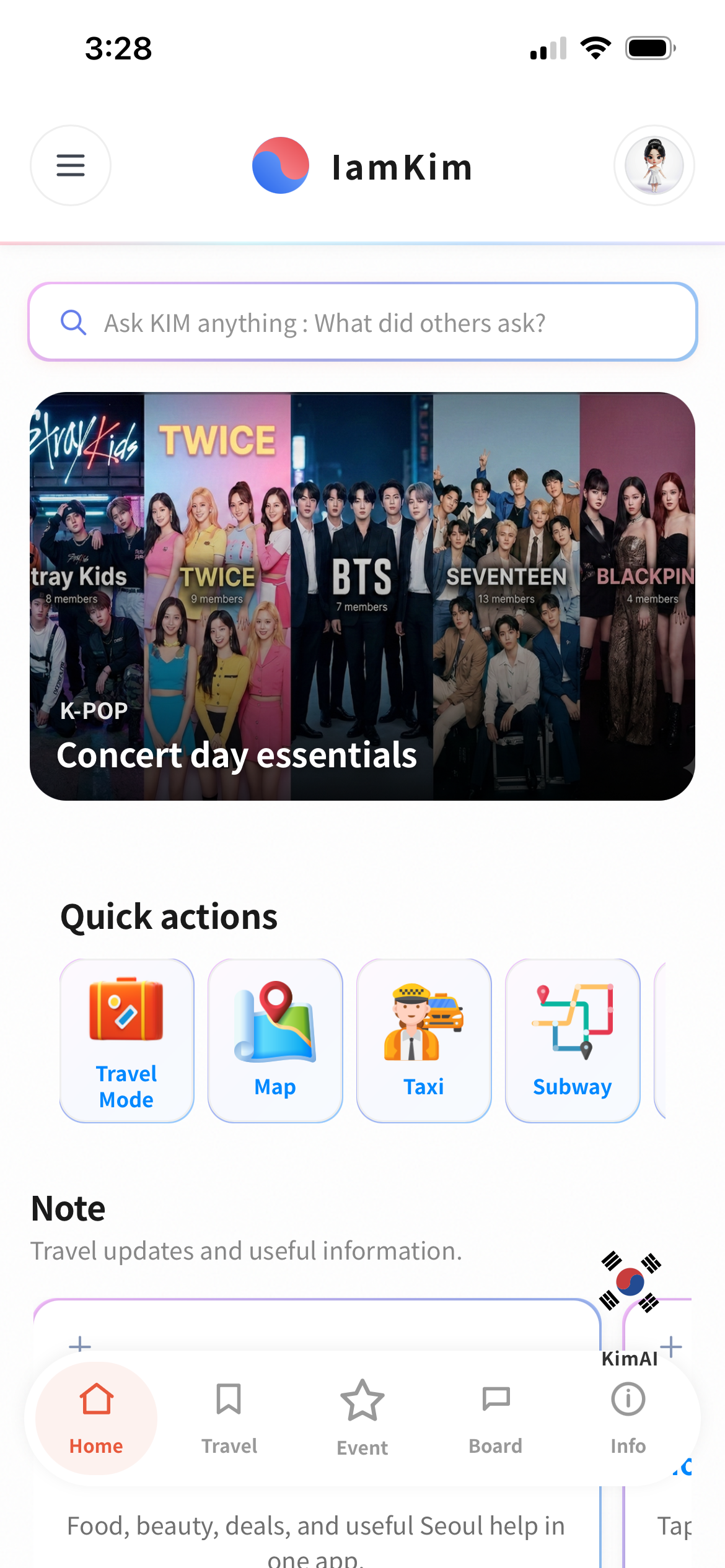
Built for travelers in Korea
Travel Korea. Instantly.
Paste a YouTube link -> watch it -> extract only the travel-useful parts (prices, routes, timing, what to skip) with timestamps.
Timestamps
Travel-only skim
Google/Apple login
Installable
How it works
- Tap a featured video (or paste your link)
- Press Play & Extract
- Jump to key moments while you travel
Tip: install as an app for faster access while on the street.
Watch & Extract
Featured travel videos
Tap a thumbnail to load it. Paste your own link anytime.
Tip: if a video can?�t be embedded, tap ??to open it in YouTube.
Travel skim
Paste a link above to start.
Quick skim
??/div>
Traveler must-knows
Key moments (tap to jump)
Places & foods mentioned
Travel
Personal travel posts and quick updates for your trip.
?�주?�는 문장 Ranking
?�어 문장????���??�국??발음�??�터�??�성 ?�생???�인?????�어??
Phrase
?�국??/div>
발음 (로마??
Event
K-culture events and idol schedules.
Board
Travelers share tips, routes, and meetups.
New post
About
PWA now. Wrap to iOS/Android later (Capacitor).
Install as an app (PWA)
- Android (Chrome): menu -> Install app / Add to Home screen.
- iPhone (Safari): Share -> Add to Home Screen.
Admin
Moderation & safety tools.
Home Picks Admin
Edit Home Picks slots 1-3.
Slot 1
Slot 2
Slot 3
Slot 4
Slot 5